

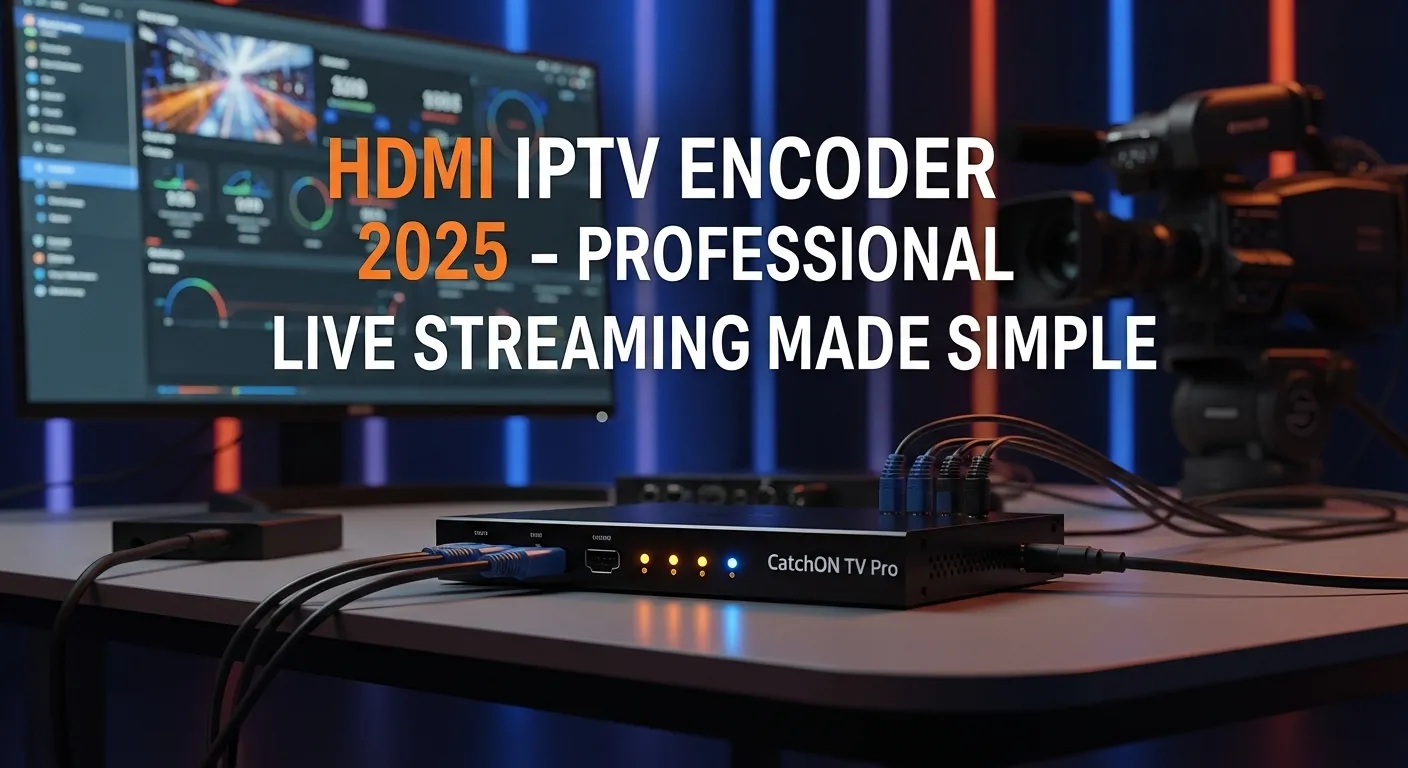
HDMI Encoder IPTV: The Complete 2025 Guide for High-Quality Streaming
In the fast-evolving world of digital broadcasting, one piece of equipment keeps rising in popularity across TV studios, live event venues, churches, esports organizations, surveillance teams, and professional streamers: the HDMI encoder. As IPTV platforms continue to grow, HDMI encoders have become the backbone technology enabling real-time conversion of video content into IP streams that can be distributed anywhere in the world.
This guide breaks down everything you need to know about HDMI encoders for IPTV, from how they work to how to choose the best one for your workflow. Whether you’re a business looking to launch your own IPTV channel, a school wanting to distribute live lectures, or a content creator hungry for ultra-stable streaming, this is your complete roadmap.
What Is an HDMI Encoder?
An HDMI encoder is a device that takes a digital HDMI video signal (from a camera, PC, gaming console, set-top box, satellite receiver, etc.) and converts it into a compressed video stream such as H.264, H.265, or AV1, which can then be transmitted over IP networks.
Think of it as a translator:
-
HDMI signal in
-
Encoded IPTV-friendly stream out
-
Compatible with apps, servers, websites, and cloud platforms
This turns your content into a format that is perfect for broadcasting, recording, or IPTV distribution.
Why HDMI Encoders Matter in IPTV
IPTV (Internet Protocol Television) relies on compressed and efficiently delivered media streams. Traditional HDMI cables or raw video signals are huge in size and can’t travel far. Encoders solve this by shrinking data with minimal quality loss and sending it through Ethernet networks or the internet.
HDMI encoders are essential in IPTV setups for several reasons:
-
They make HDMI devices internet-ready
Any camera, box, or PC can instantly become a live streaming source. -
They provide stable, continuous streaming
Built for 24/7 operation, unlike standard software encoders. -
They support broadcast standards
RTMP, RTSP, HTTP, SRT, HLS, UDP, and more. -
They ensure compatibility with IPTV middleware and servers
Including Stalker, Ministra, Xtream UI, and other industrial media platforms. -
They reduce bandwidth demand
Through efficient codecs like H.265.
How HDMI Encoders Work in an IPTV System
Understanding the workflow will help you design a reliable IPTV setup. Here’s the typical flow:
-
HDMI Input Source
This could be:-
A satellite receiver
-
A TV decoder
-
A camera
-
A laptop
-
A media player
-
A gaming console
-
-
The HDMI Encoder Converts the Signal
The encoder compresses the feed using:-
H.264 (AVC)
-
H.265 (HEVC)
-
MJPEG
-
AV1 (latest and most efficient)
-
-
The Encoder Outputs an IPTV-Ready Stream
Formats include:-
RTMP
-
RTSP
-
HLS
-
MPEG-TS
-
SRT
-
-
The Stream Travels Over an IP Network
-
Local LAN for private systems
-
Internet for global distribution
-
-
The Stream Reaches IPTV Middleware or a Player
Users can watch via:-
Smart TVs
-
VLC
-
IPTV boxes
-
Mobile apps
-
Websites
-
OTT platforms
-
Types of HDMI Encoders for IPTV
Not all encoders are created equal. You’ll find them in several categories depending on budget, quality, and intended use.
1. Hardware HDMI Encoders
These are standalone units with dedicated chips for encoding. They’re reliable and built for continuous operation.
Best for:
-
TV channels
-
Churches
-
Sports venues
-
Schools and universities
-
Corporations
-
24/7 streams
Advantages:
-
Stable
-
Low latency
-
Professional bitrate control
-
No CPU / RAM issues
2. Portable HDMI Encoders
Small, lightweight devices often used by:
-
Streamers
-
On-field journalists
-
Esports teams
-
Mobile broadcasters
Many support WiFi, 4G, 5G SIM cards.
3. Multi-Channel HDMI Encoders
Devices with 4, 8, 16, or 32 HDMI inputs.
Ideal for:
-
Hotels
-
Cable/IPTV operators
-
Stadium control rooms
-
Government broadcasting networks
They allow streaming many channels at once in a compact design.
4. Software HDMI Encoders
Technically not “hardware encoders”, but software solutions like OBS and vMix simulate chipset encoding.
Useful for:
-
Beginners
-
Budget setups
-
YouTube and Twitch streams
Downside:
-
High CPU load
-
Not suitable for professional 24/7 IPTV distribution
Key Features to Look For in an HDMI Encoder
Choosing the right encoder depends on your goals. Here are the features that matter most:
1. Video Codec Support
Better codecs = lower bandwidth + higher quality.
Prioritize:
-
H.265 / HEVC (40% smaller than H.264)
-
H.264 / AVC (widely supported)
-
AV1 (future standard)
2. Bitrate Control
Both CBR (constant bitrate) and VBR (variable bitrate) should be supported for IPTV stability.
Recommended bitrates:
-
1080p: 4 to 8 Mbps
-
4K: 12 to 25 Mbps
3. Protocol Compatibility
Look for:
-
RTMP (YouTube, Facebook, Twitch)
-
RTSP (local CCTV and NVRs)
-
HLS (web and mobile)
-
SRT (low latency, strong against network instability)
-
UDP / Multicast (local IPTV systems)
4. Low Latency
Crucial for:
-
Live sports
-
Gaming
-
News broadcasts
Some encoders support sub-second latency.
5. Audio Formats
AAC and MP3 are the most compatible for IPTV.
6. Professional Connectivity
Must-have ports:
-
HDMI in
-
Loop-out
-
Ethernet port
-
Audio input
-
USB (for configuration)
7. 24/7 Reliability
Heat dissipation, metal casing, and cooling fans are signs of a professional encoder.
8. Remote Management
Most encoders offer:
-
Web interface
-
API control
-
NMS for multi-unit networks
Best Use Cases for HDMI Encoders in IPTV
HDMI encoders fit into countless industries. Here are the most popular ones today.
1. TV Broadcasting
Traditional broadcasters use encoders to convert HDMI feeds from studio equipment into IP streams.
2. Hotels and Hospitality IPTV
Encoders let hotels distribute:
-
Local channels
-
CCTV feeds
-
Informational signage
Over their internal IPTV system.
3. Churches and Religious Institutions
Live-streaming services, ceremonies, and events has become essential.
4. Live Events and Concerts
Audio-visual teams rely on encoders to:
-
Send camera feeds to control rooms
-
Stream events online
5. Education
Universities and schools use encoders for:
-
Online lectures
-
Campus IPTV channels
-
Remote learning
6. Corporate Communications
Companies use encoders for:
-
Live meetings
-
Internal announcements
-
Training broadcasts
7. Gaming and Esports
Low-latency encoders are popular for:
-
Tournament broadcasting
-
Gaming stages
-
Streaming gameplay to players and fans
How to Set Up an HDMI Encoder for IPTV
Here’s a simple overview of what a standard setup looks like.
Step 1: Connect Your HDMI Source
Plug the HDMI cable from:
-
Camera
-
Laptop
-
Media box
Into the encoder input.
Step 2: Connect the Encoder to the Network
Use:
-
Ethernet cable
-
WiFi
-
LTE / 5G (portable encoders)
Step 3: Access the Encoder Web Interface
Usually via:
Step 4: Configure Your Stream Output
Set:
-
Codec (H.265 recommended)
-
Bitrate
-
Resolution
-
Protocol (RTMP, RTSP, HLS, etc.)
Step 5: Set the Target Server or Player
Depending on your use case:
-
IPTV middleware
-
YouTube Live
-
Facebook Live
-
Private server
-
VLC / Smart TV app
Step 6: Start Streaming
Press “Start” or “Apply”.
Your stream goes live instantly.
Advantages of Using HDMI Encoders for IPTV
-
High-quality streaming
-
Bandwidth savings with H.265
-
Stable 24/7 operation
-
Professional-grade video delivery
-
Works with any HDMI source
-
Scalable for small or large networks
-
Compatible with nearly all IPTV systems
Common Mistakes to Avoid
Even professionals mess up sometimes. Watch out for:
-
Using WiFi instead of Ethernet for mission-critical streams
-
Using very high bitrates on weak networks
-
Forgetting to match frame rates
-
Running 4K streams on underpowered hardware
-
Incorrect RTMP or RTSP URLs
-
Overheating due to poor ventilation
Future of HDMI Encoders in IPTV
The industry is moving fast. Expect the following trends:
1. AV1 Encoding
More efficiency, less bandwidth consumption.
2. Wider 4K and 8K Adoption
Especially in sports and high-end production.
3. AI-Based Encoding
Improving quality without adding bitrate.
4. SRT Becoming a Standard
Robust, low-latency transport replacing RTMP in many workflows.
5. Cloud Integrated Encoders
Automatic publishing to multi-platform streaming destinations.
How to Choose the Best HDMI Encoder in 2025
If you’re unsure, ask yourself:
-
Do I need 24/7 streaming?
-
Do I need ultra-low latency?
-
Do I need 1 channel or many?
-
Is 4K required?
-
What platform am I streaming to?
-
What is my network bandwidth?
Based on your answer, you can choose between:
-
Entry-level encoders (budget YouTube/Twitch streams)
-
Mid-range professional encoders (churches, schools, events)
-
High-end broadcast encoders (TV channels, IPTV operators)
Final Thoughts
HDMI encoders have become a cornerstone technology for IPTV distribution in 2025. Whether you’re building an internal corporate broadcast system, streaming a live event, sending educational content to students, or powering a TV channel, a good HDMI encoder gives you reliability, stability, and high-quality streaming that software encoders simply can’t match.
If you invest in the right model, configure it correctly, and match it to your network conditions, you can build a rock-solid IPTV system capable of delivering professional, low-latency, high-resolution video to viewers anywhere in the world.
